
Weekly Restaurant Management Review Checklist
A practical weekly restaurant management review checklist for operators, managers and F&B teams to review sales, labour, food cost, KPIs, break-even, cash flow and next-week actions.
Why restaurants need a weekly management review
A weekly restaurant management review helps operators move from reacting to problems into controlling performance. Instead of waiting for month-end accounts, managers can review sales, labour, food cost, cash flow and operational issues while there is still time to act.
This review does not need to be complicated. The goal is to create a simple weekly rhythm: check the numbers, identify pressure points, agree actions and make sure next week’s rota, purchasing and cash commitments match the forecast.
Operator rule: a good weekly review should end with decisions, not just numbers. Every review should produce clear actions for the next seven days.
Review what happened
Look at sales, covers, food cost, labour cost, KPIs and cash movement from the last trading period.
Spot what needs attention
Identify weak margin, high payroll, supplier pressure, poor sales mix, stock issues or cash flow risk.
Plan what changes next
Adjust rota, purchasing, prep, menu focus, upselling, payment timing or manager priorities for the next week.
Weekly restaurant management review checklist preview
Use the checklist in two ways: print a blank version before the meeting, or complete the review digitally and save a finished copy for your management records.
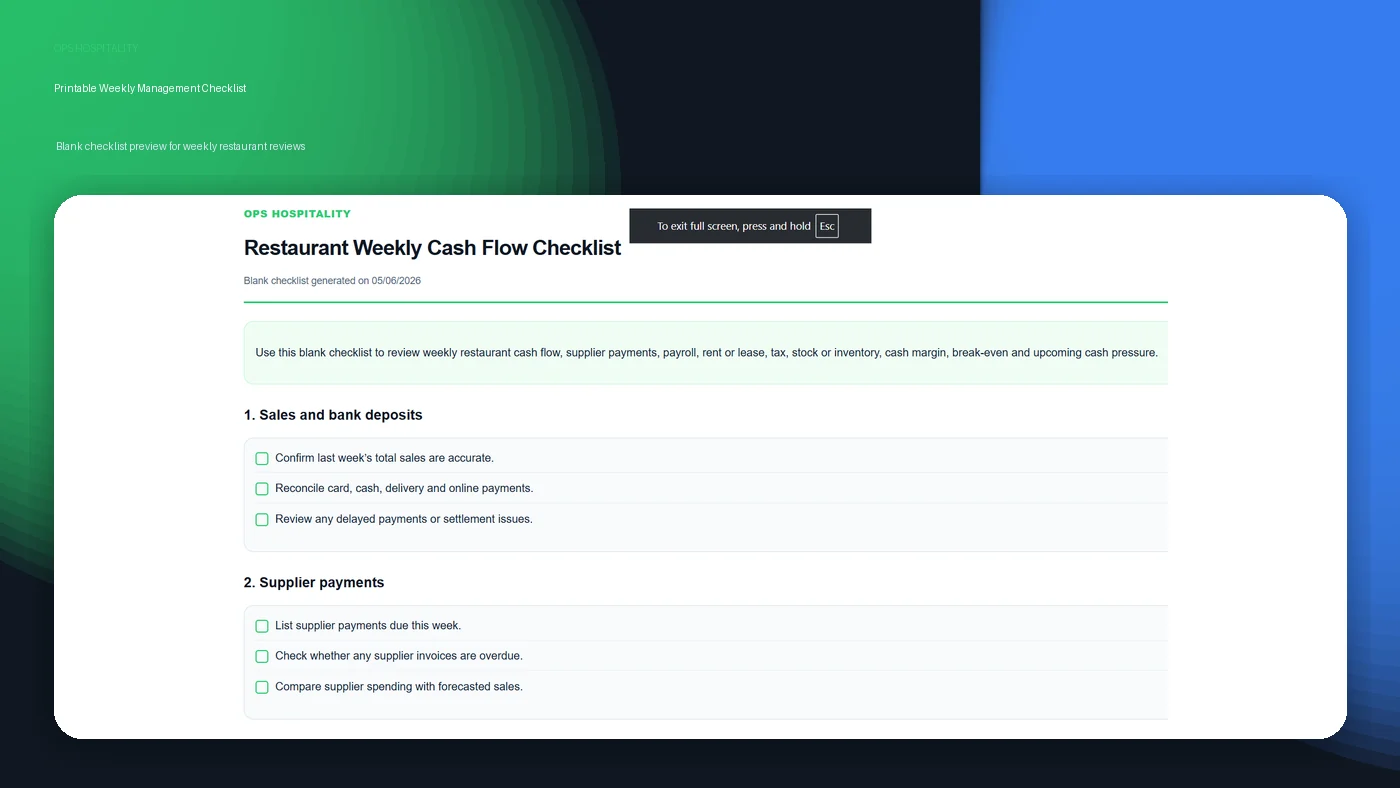
Print a blank checklist
Use the blank checklist during your weekly management review to guide the conversation around sales, labour, food cost, cash flow and next-week actions.
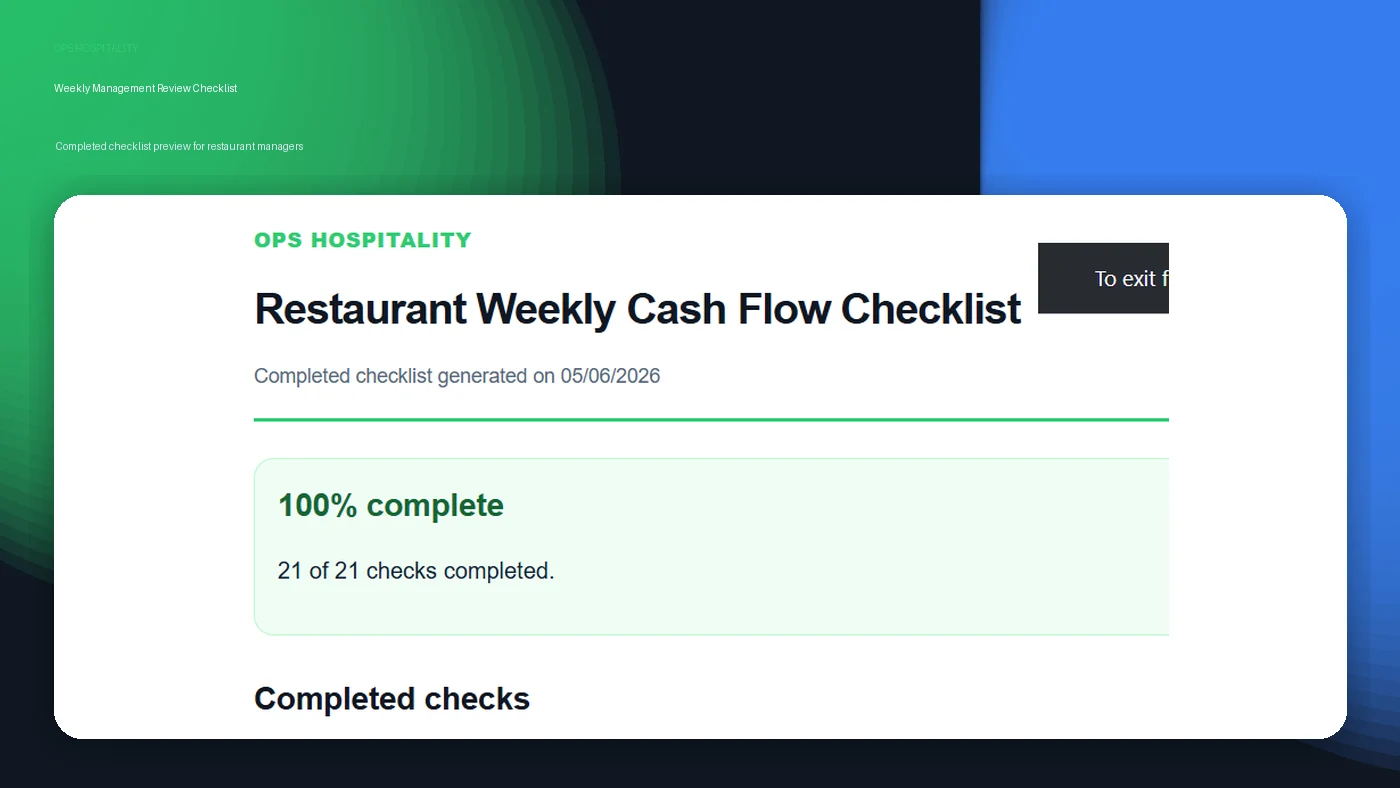
Save a completed review
Use the completed version as a record of what was checked, what pressure points were found and what actions were agreed for the next week.
Weekly restaurant management review checklist
Use this checklist at the start or end of each week. It works for restaurants, cafés, bars, hotels, food & beverage departments and multi-site hospitality operators.
1. Review last week’s sales
- Compare actual sales against forecast.
- Review sales by day, daypart, revenue stream or outlet.
- Check whether covers, average spend or transaction count changed.
- Identify any unusual events, weather impact, closures, promotions or large bookings.
2. Review labour cost and schedule performance
- Compare scheduled hours against actual hours worked.
- Review labour cost percentage for the same period as sales.
- Check overtime, agency labour, sickness, absence and schedule gaps.
- Adjust next week’s rota or schedule using the latest sales forecast.
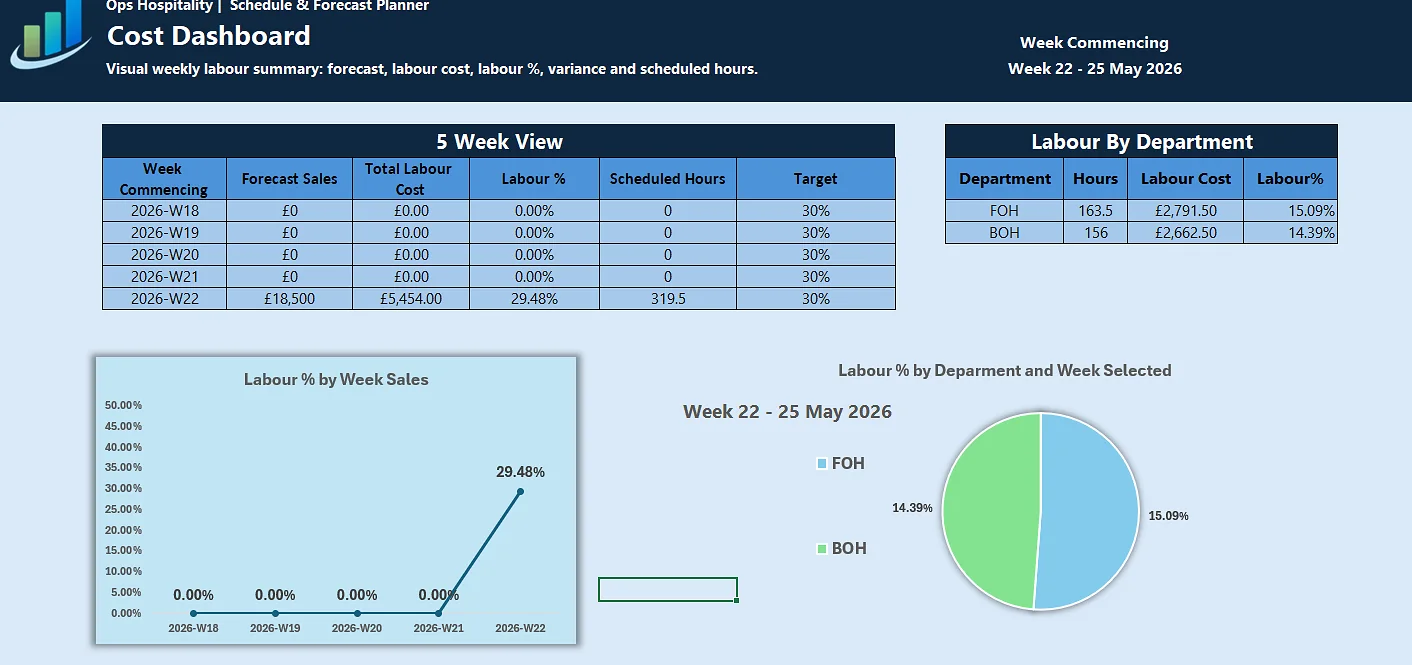
Plan next week before the rota is published
A weekly review is most useful when it changes the next schedule. Use the Schedule & Forecast Planner to connect forecast sales, planned hours, labour cost and schedule decisions before the week starts.
View Schedule Planner3. Review food cost, beverage cost and waste
- Check food and beverage cost percentage.
- Review waste, stock variance, over-ordering and slow-moving inventory.
- Check whether supplier price changes affected margin.
- Review high-volume or low-margin menu items.
4. Review restaurant KPIs
- Track prime cost, net profit, food cost percentage and labour cost percentage.
- Review sales per labour hour and average spend per customer.
- Check whether KPIs are moving in the right direction over time.
- Use KPI results to decide what managers should focus on next week.
When reviewing net profit, compare the result with what a good restaurant profit margin looks like for your restaurant type, service model and cost structure.
For a more structured weekly tracking workflow, use the Weekly KPI Dashboard to review targets, trends, labour cost, food cost, prime cost and profitability in one Excel workbook.
5. Review break-even and cash flow pressure
- Check whether last week reached break-even sales.
- Review supplier payments, payroll, rent or lease, tax and upcoming fixed commitments.
- Check whether cash margin is strong enough after key operating costs.
- Identify the largest cash pressure expected in the next seven days.
6. Agree next-week actions
- Set one sales action.
- Set one labour or scheduling action.
- Set one food cost or purchasing action.
- Set one cash flow or payment action.
- Assign each action to a clear owner.
Weekly review table for restaurant managers
A simple weekly review table keeps the conversation focused. Managers should not review every possible number. They should review the numbers that explain what changed and what action is needed.
| Review area | What to check | Useful Ops Hospitality tool |
|---|---|---|
| Sales | Actual sales vs forecast, covers, average spend and sales mix | Restaurant KPI Calculator |
| Labour | Labour cost %, rota accuracy, worked hours and sales per labour hour | Schedule & Forecast Planner / Labour Cost Calculator |
| Food cost | Food cost %, recipe cost, waste, supplier changes and menu margin | Food Cost Calculator |
| Break-even | Sales required to cover costs and reach target profit | Break-Even Calculator |
| Cash flow | Payroll, supplier payments, rent or lease, tax, stock and cash pressure | Weekly Cash Flow Checklist |
| Profitability | Prime cost, cash margin, net profit and operating pressure | Weekly KPI Dashboard / Profitability Guide |
What should be discussed in a weekly restaurant meeting?
A weekly restaurant meeting should focus on operational performance and upcoming risk. It should not become a long conversation about every small problem. The best meetings are short, structured and action-led.
What changed?
Review sales, labour cost, food cost, prime cost, profit and cash flow pressure.
Why did it change?
Connect performance to rota planning, purchasing, waste, pricing, sales mix or operational execution.
What happens next?
Agree the next-week actions, owners and follow-up points before the meeting ends.
For example, if labour cost increased, the meeting should not only say “labour was high.” It should identify whether the issue came from lower sales, overstaffing, overtime, poor forecasting, sickness cover or inefficient deployment.
Recommended weekly review rhythm
A useful weekly management review can be simple. Many hospitality teams can run it in 30 to 45 minutes if the numbers are prepared before the meeting.
- Before the meeting: prepare sales, labour, food cost, KPI and cash flow numbers.
- First 10 minutes: review last week’s results and compare them to forecast.
- Next 10 minutes: identify the biggest operational pressure points.
- Next 10 minutes: review next week’s forecast, rota, purchasing and cash commitments.
- Final 5 minutes: agree actions, owners and follow-up deadlines.
Keep it practical: a weekly review is not about creating more admin. It is about helping managers make better decisions before the next trading week starts.
Common mistakes in weekly restaurant reviews
- Reviewing sales but ignoring margin.
- Looking at labour cost after the rota has already failed.
- Reviewing food cost without checking waste, stock or supplier changes.
- Discussing KPIs without agreeing any operational action.
- Ignoring cash flow until supplier payments or payroll become urgent.
- Mixing daily, weekly and monthly numbers in the same review.
- Allowing meetings to become too long, vague or unfocused.
The strongest operators use weekly reviews to make small corrections before they become expensive problems.
Tools to support your weekly management review
Use the free Ops Hospitality tools to turn the weekly review into a practical operating system.
Profitability Score Calculator
Check profitability, cost pressure and payment coverage before your weekly management review.
Weekly Cash Flow Checklist
Review payroll, supplier payments, rent or lease, tax, stock, cash margin and upcoming pressure.
Schedule & Forecast Planner
Plan next week’s forecast, rota, scheduled hours and labour cost before shifts are worked.
Weekly KPI Dashboard
Track weekly targets, trends, labour cost, food cost, prime cost and profitability in Excel.
Restaurant KPI Calculator
Calculate labour cost, food cost, prime cost, net profit and sales performance metrics.
Break-Even Calculator
Estimate the sales needed to cover costs and reach target profit.
Weekly restaurant management review FAQs
What is a weekly restaurant management review?
A weekly restaurant management review is a structured meeting or checklist used to review sales, labour, food cost, KPIs, cash flow, break-even and operational actions for the next week.
What should restaurant managers review every week?
Restaurant managers should review sales, labour cost, food cost, prime cost, break-even sales, cash flow pressure, stock or inventory, waste, upcoming bookings and next-week actions.
How long should a weekly restaurant review take?
A focused weekly restaurant review can usually take 30 to 45 minutes if the sales, labour, food cost, KPI and cash flow numbers are prepared before the meeting.
Why is weekly review important in hospitality?
Weekly review is important because hospitality problems can become expensive quickly. Reviewing performance weekly helps managers adjust staffing, purchasing, pricing, cash flow and operations before month-end reports arrive.
Turn weekly reviews into better restaurant decisions
Start with the Weekly Cash Flow Checklist, then use the Schedule & Forecast Planner and Weekly KPI Dashboard to turn the review into next-week actions and consistent performance tracking.